
We've created a chat widget that provides students, faculty, and staff quick access to the BYU-Idaho Support Agent. This guide describes how to use and customize the chat widget.
How to Embed the Chat Widget
Add this single line of code before the closing </body> tag on any webpage:
<script src="https://byui-supportagent-dphsbtd5afaba6c3.a01.azurefd.net/support-widget/chat-widget.js"></script>
For an example deployment, see the IT Help Center (Sandbox) website.
Security
The chat widget is privately hosted on Azure Front Door and is only accessible on BYU-Idaho web domains (e.g. *.byui.edu). All other domains are blocked and will not render the widget.
Features
- Lightweight: ~3KB minified, no dependencies
- Easy Integration: One-line embed code
- Responsive: Smooth hover animations
- Non-intrusive: Fixed position, high z-index
- Accessible: Opens in new tab with proper attributes
- CDN-hosted: Fast global delivery via Azure Front Door
What It Looks Like
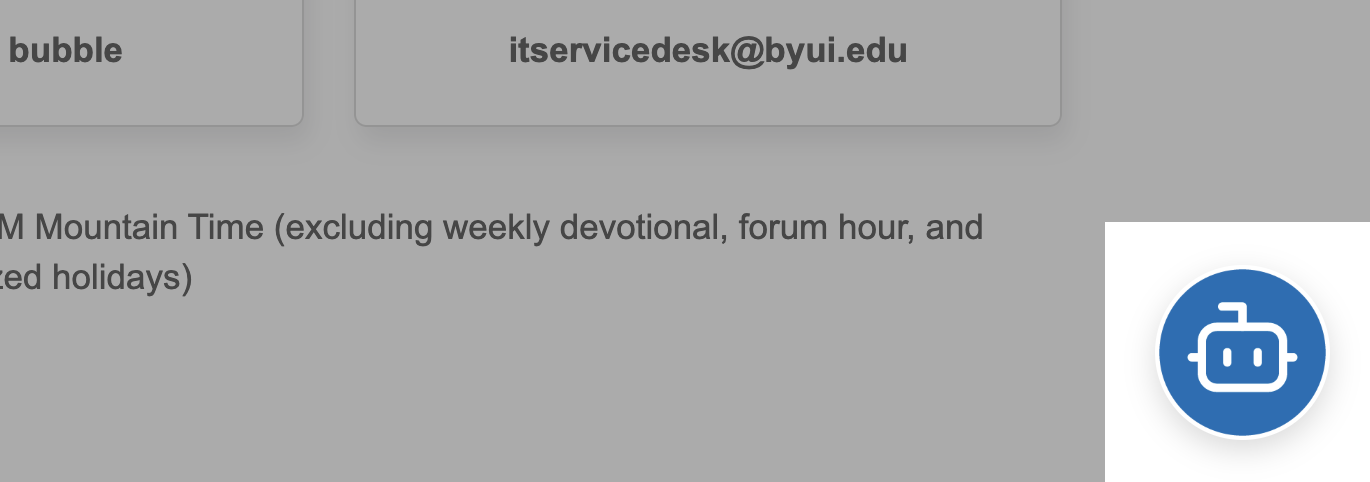
The chat widget displays a circular chat bubble with the BYU-Idaho Support Agent icon. When users hover over it, it scales up slightly. Clicking opens the support agent in a new browser tab.